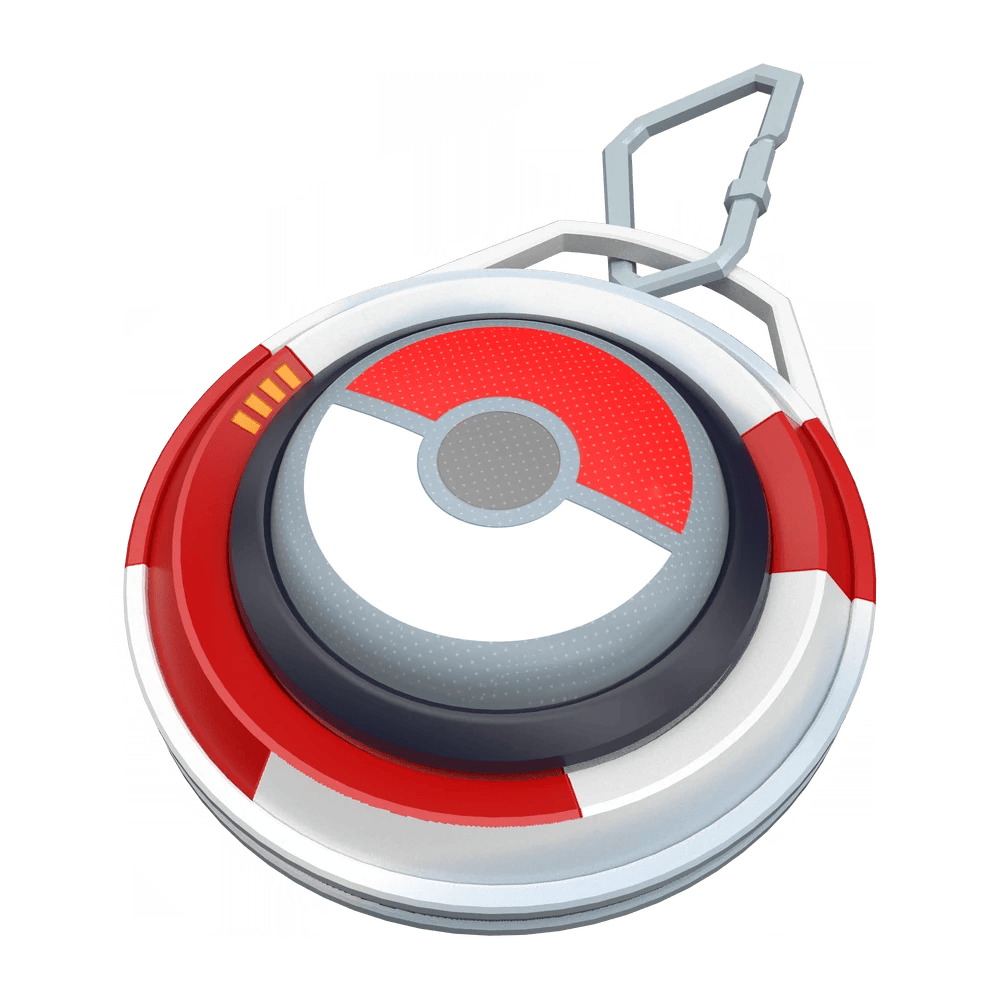
Overview
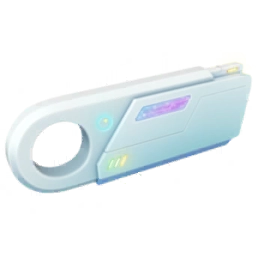
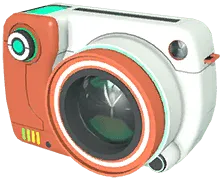
The Explorer Gadget is a built-in Key Item that automatically attempts to catch nearby Pokémon and spin nearby PokéStops while you explore with Pokémon GO closed or running in the background. It provides background catching and spinning without a separate physical accessory such as a Pokémon GO Plus +, and becomes available to Trainers at level 20 or higher through a phased account rollout.
Its automatic throws use only standard Poké Balls and follow separate daily catch and spin limits that scale with your Trainer level. When you return to the game, a session summary displays the Pokémon caught by the gadget and the total number of PokéStops spun.
How to get it
Unlocks at Trainer level 20 or higher via an ongoing phased rollout.
Look for the Explorer Gadget icon in the top-right corner of the Map View or in the Key Items section of your Item Bag; if a physical catching accessory is paired, the Map View icon stays hidden until you disconnect the accessory and activate the gadget from Key Items.
How to use it
Activate it from the top-right Map View icon or by tapping Use in Key Items, then explore at a casual pace with the game closed or in the background.
Check the session summary when returning to the game, and keep enough Poké Balls, Pokémon Storage space, and Item Bag capacity available.
Worth knowing
Daily catch and spin limits match your Trainer level (1:1 up to level 80) and are tracked separately. The gadget skips unregistered species and mighty Pokémon, though it will target unregistered forms of a species already in your Pokédex.
It cannot operate simultaneously with a Pokémon GO Plus + or another paired catching accessory. Switching to a physical accessory while the Explorer Gadget is active ends your Explorer Gadget session for the rest of the day.
Operation and limits
To start a background session, open the Explorer Gadget from its icon in the top-right corner of the Map View or locate it under Key Items in your Item Bag, tap Use, and explore at a casual pace with your phone locked or the app in the background. You can pause and resume the session at any time by tapping the Map View icon again.
When you return to Pokémon GO, the session summary lists the Pokémon caught by the gadget sorted from newest to oldest alongside your total catches and PokéStop spins.
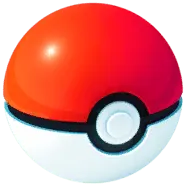
The Explorer Gadget throws only standard Poké Balls—never Great Balls or Ultra Balls—and automatically grants some starter Poké Balls if you activate it when your supply is at zero.
It skips species not yet registered in your Pokédex as well as mighty Pokémon. However, if at least one form of a species is already registered, the gadget will still attempt to catch unregistered forms of that same species; for example, having Pom-Pom Style Oricorio registered allows it to target Baile, Pa'u, and Sensu Style Oricorio.
Daily catch and PokéStop spin quotas scale 1:1 with your Trainer level up to the current level 80 cap (for instance, 20 catches and 20 spins per day at level 20, or 80 of each at level 80) and are tracked independently.
Running out of Poké Balls, filling your Pokémon Storage, or filling your Item Bag stops the corresponding activity and triggers an alert on the Map View.
The Explorer Gadget cannot run at the same time as a Pokémon GO Plus + or another physical catching accessory. If an accessory is paired to your game, the Explorer Gadget icon will not appear on the Map View; you must first disconnect the accessory and activate the gadget from the Key Items section of your Item Bag.
Once the gadget is active, the Map View indicates which tool is in use, and switching to a physical accessory terminates your Explorer Gadget session for the rest of the day. In addition, because the feature launched in a phased rollout, an account at Trainer level 20 or higher may still need to wait before the item appears.
Prepare for a background session
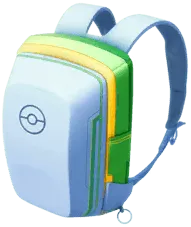
Great Balls and Ultra Balls cannot replace standard Poké Balls for the Explorer Gadget. Stock up on regular Poké Balls and check both your Pokémon Storage and Item Bag counters before setting off, since the gadget will halt activity and surface a Map View alert if you run out of Poké Balls or space. Open space in Pokémon Storage allows automatic catches to continue, while open space in your Item Bag allows PokéStop spins to replenish your items.
You do not need to unpair a Pokémon GO Plus + or another physical accessory to use the Explorer Gadget, though having one paired hides the gadget's shortcut icon on the Map View until you disconnect the device and start the gadget from Key Items. Decide which tool to use before your outing, because switching from an active Explorer Gadget session to a physical accessory locks out the Explorer Gadget for the remainder of the day.
If you only need a temporary break, pause the gadget from the Map View icon rather than connecting an accessory.
Automatic throws from the Explorer Gadget do not guarantee a catch. Because the gadget also ignores mighty Pokémon and any species not yet registered in your Pokédex (aside from new forms of an already registered species), check the Map View and start encounters manually if your goal is completing the Pokédex or hunting mighty Pokémon.
Check the daily catch and spin counters shown on your account rather than assuming a fixed quota for all players. Both daily allowances match your current Trainer level (1:1 up to 80 catches and 80 spins at level 80), and overall availability remains subject to the phased rollout.